The GitHub integration syncs a repository to your workspace, so you can define your semantic model in code.
Connect GitHub
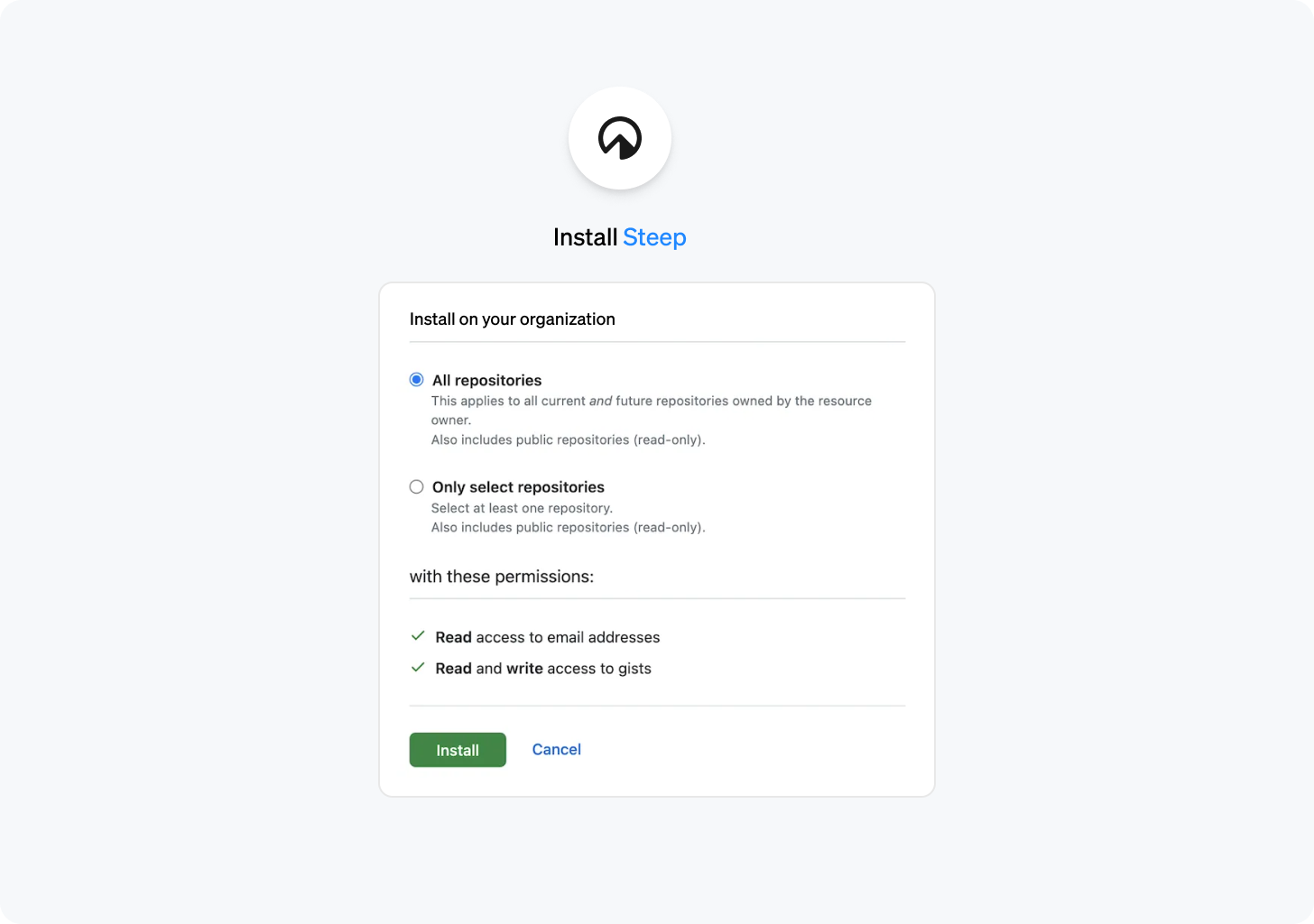
- Go to Settings → Integrations and select Connect on the GitHub card.
- The first time, GitHub asks you to authorize the Steep app. After that, this step passes without a prompt.
- If your GitHub account can already reach a Steep app installation, for example one another workspace uses, pick that GitHub account. Otherwise, select Install on another GitHub account, or install the app when GitHub asks.
Who can connect
You need to be an admin of the Steep workspace. Steep connects an installation only when GitHub confirms your own GitHub account has access to it, so to connect an organization's installation you need access to at least one of its repositories. Choosing a repository works the same way: you can pick only a repository your own GitHub account can access.
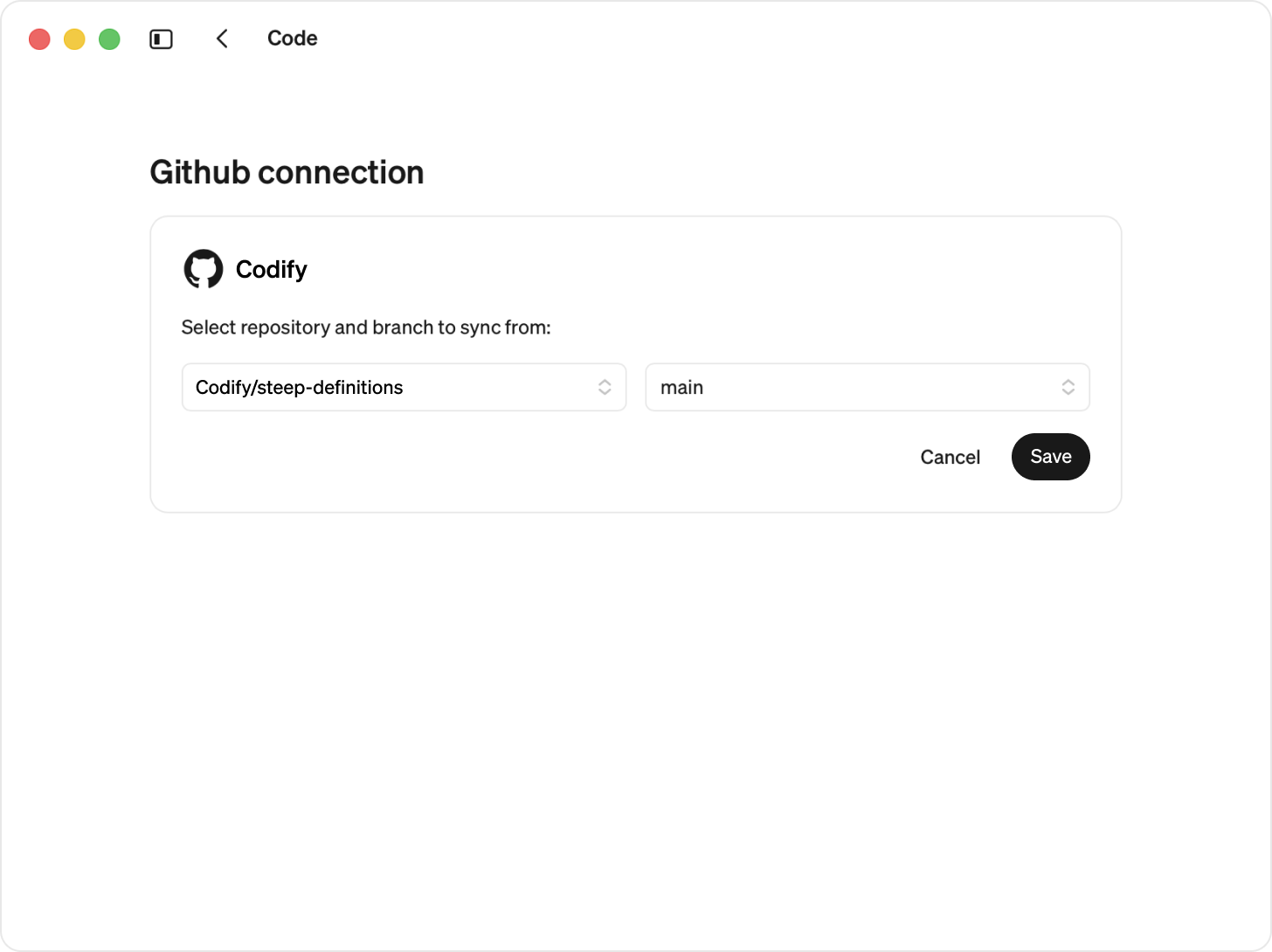
Choose a repository (one repo per workspace) and a branch (we recommend main). The list shows only the repositories both your own GitHub account and the Steep app can access. To find out which those are, Steep may take you through GitHub for a moment when you open the list. After the first time this happens without a prompt.
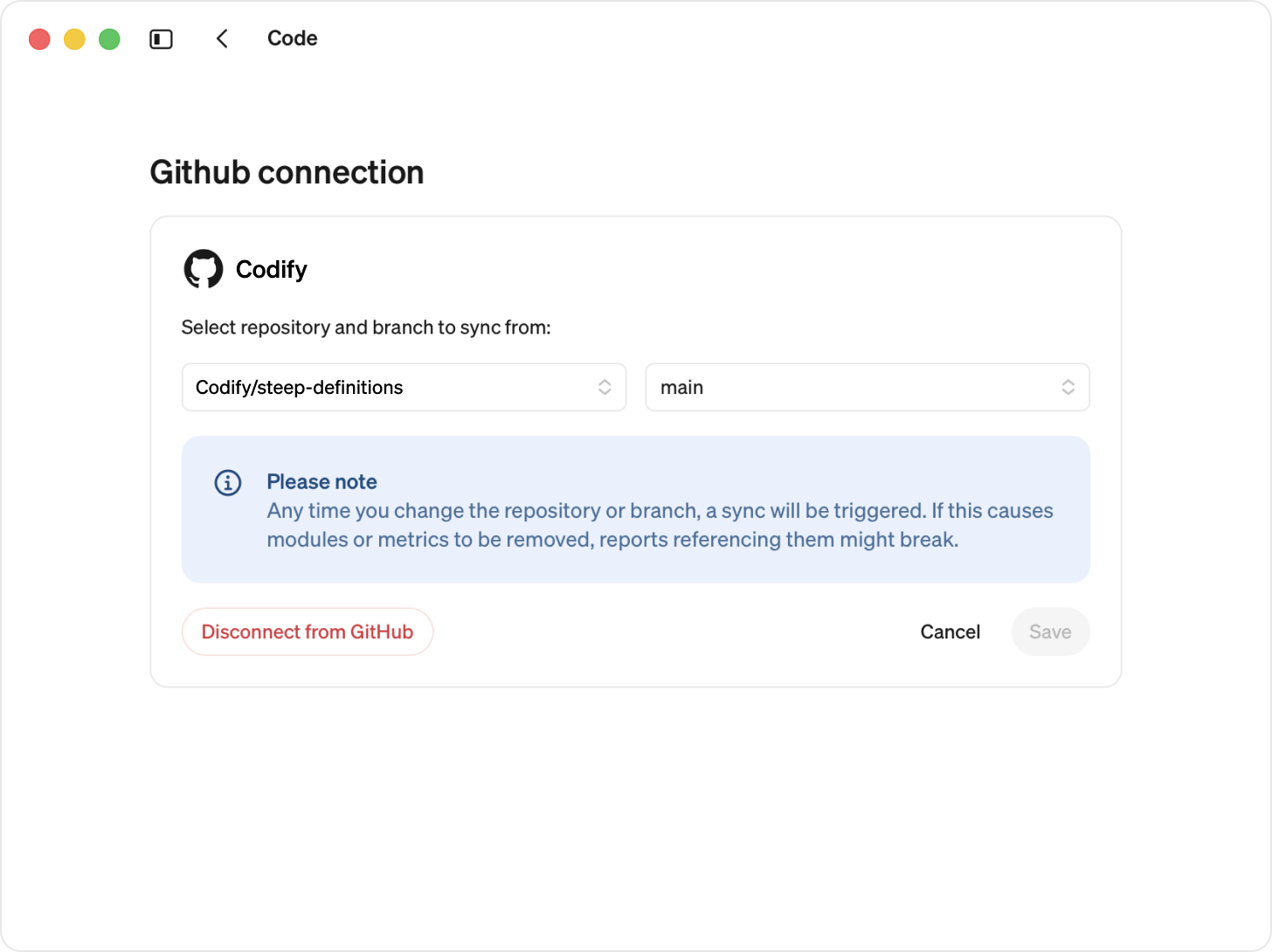
Changing repository
Please note
- When you change the repository or branch, all existing code definitions are replaced by the new definitions.
- If the new repository or branch is empty, your current modules will be converted to in app-defined modules.
Change repository or branch:
- Go to Modules → Code
- Select Edit next to your repository and branch. As when connecting, you can pick only repositories your own GitHub account can access. If the workspace syncs from one you can't access, you can switch away from it but not back.
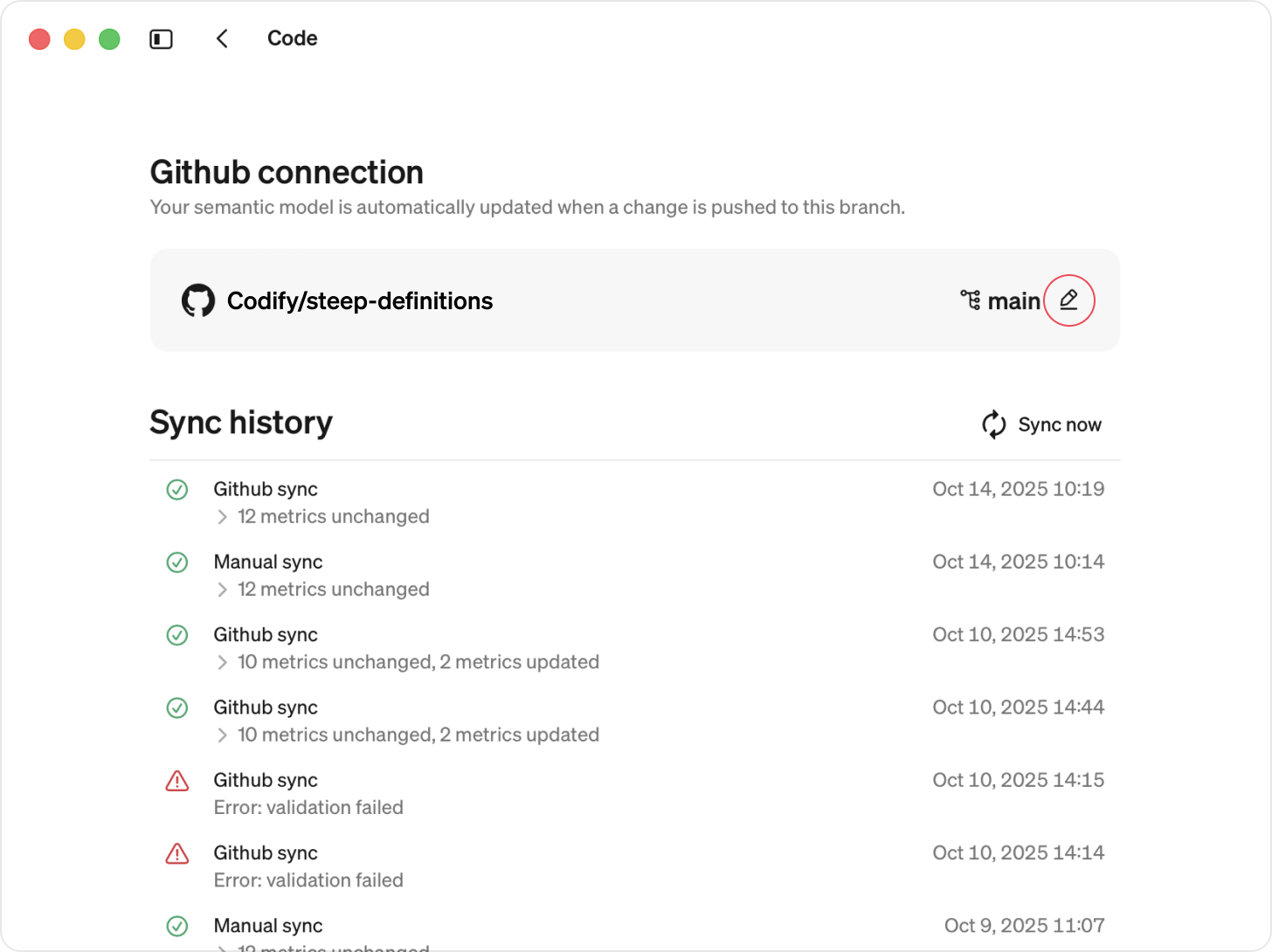
- Edit and Save
Remove a GitHub connection
When disconnecting the GitHub app, all definitions are kept and are converted into app-based definitions.
Go to Settings → Integrations
Select Disconnect on the GitHub card
The workspace is disconnected from GitHub, and all modules defined in code are converted to app-defined modules. The Steep app stays installed on GitHub, so other workspaces using it are not affected.
